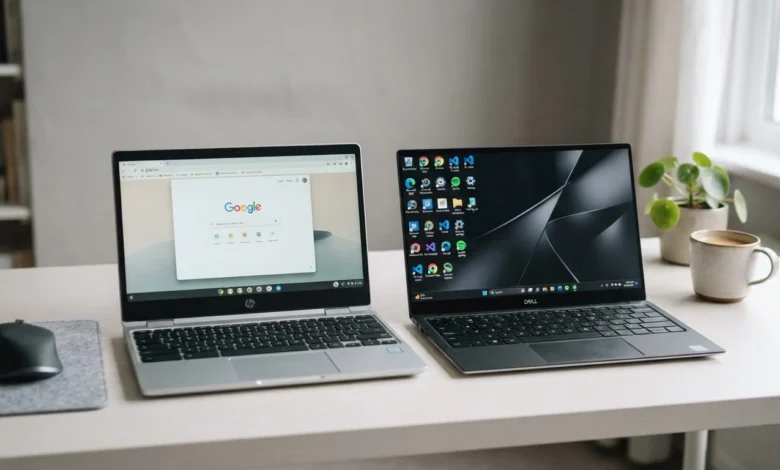
A chromebook is a laptop that runs Google’s lightweight Chrome OS and relies on web apps and cloud storage, while a regular laptop runs Windows, macOS, or Linux and installs software directly onto the device. That single difference in operating system shapes everything else: price, performance, storage, and what you can actually do with the machine.
What Is a Chromebook
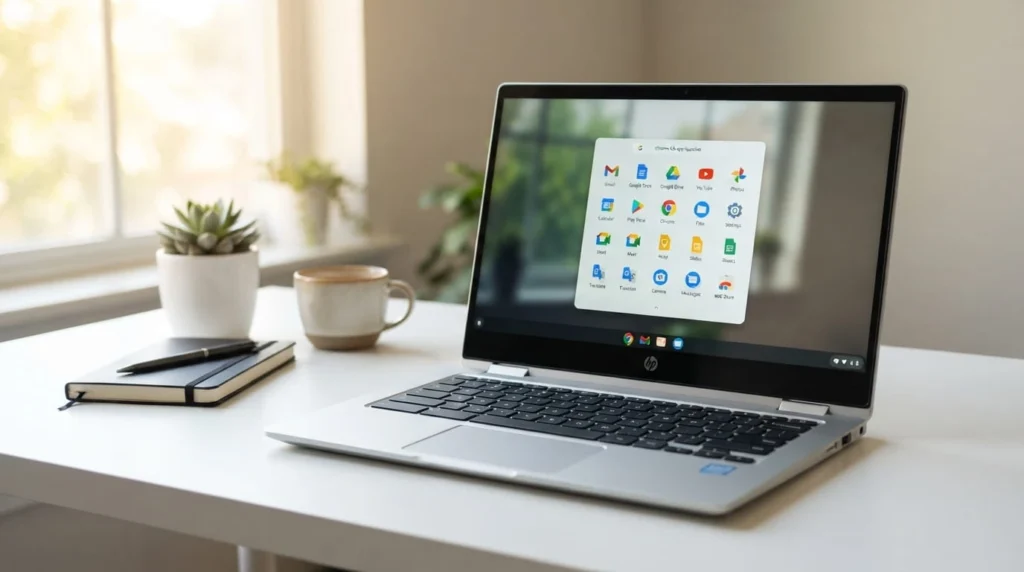
A chromebook is a laptop built around Chrome OS, an operating system that centers on the Chrome browser and Google’s own apps. Instead of installing programs the way you would on Windows, you open most of what you need in a browser tab or through the Google Play Store. Files usually live in Google Drive rather than on a large internal hard drive, so the hardware inside a chromebook can stay simple and cheap.
Chromebooks also boot in seconds, update themselves automatically in the background, and rarely need antivirus software because Chrome OS sandboxes each browser tab and app. That combination makes them popular in schools, where IT departments need dozens or hundreds of devices to behave the same way with minimal upkeep.
What Is a Laptop
A laptop, in the traditional sense, runs Windows, macOS, or Linux and installs software locally on its own storage drive. That is what lets you run Microsoft Office without a live internet connection, edit video in DaVinci Resolve, or open a ten year old accounting program your office still depends on.
Because laptops are built to run heavier local software, they tend to come with more powerful processors, more RAM, and larger SSD or HDD storage than chromebooks at a similar price. A mid range Windows laptop today typically starts around 8GB of RAM and a 256GB SSD, compared to the 4GB of RAM and 64GB of storage common on entry level chromebooks.
Chromebook vs Laptop: The Main Differences
1:Operating System and Apps
This is the difference that drives every other one on this list. Chrome OS is built around the browser, Android apps from the Play Store, and Google’s own productivity suite. Windows and macOS run native desktop programs installed directly on the machine, which gives you access to specialized software like AutoCAD, the full Adobe Creative Cloud, or industry specific tools that simply do not have a Chrome OS version.
Some newer chromebooks can run a Linux environment for lightweight development work, but this still falls short of full desktop compatibility. If your job or coursework depends on one specific piece of Windows only or Mac only software, that alone usually settles the decision.
2:Performance and Hardware
Chromebooks typically use lower power processors, such as Intel Celeron or MediaTek chips, paired with 4GB to 8GB of RAM. That is enough for browser tabs, video calls, and Google Docs, but it will slow down under heavy multitasking or resource hungry software.
Windows and macOS laptops span a much wider range, from budget Core i3 machines to Core i7, i9, or Apple Silicon models built for video editing, 3D rendering, or gaming. If you need to run more than a browser and a couple of lightweight apps at once, a traditional laptop gives you more room to grow.
3:Storage and Cloud Reliance
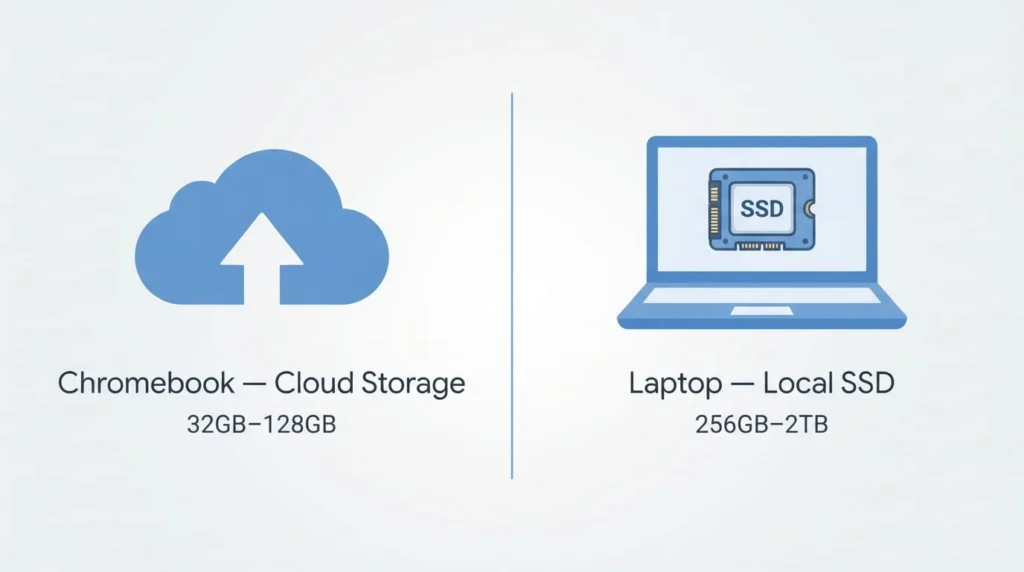
Chromebooks lean on Google Drive for file storage and usually ship with 32GB to 128GB of onboard storage, most of it eMMC flash rather than a full SSD. Laptops generally include 256GB to 2TB of SSD or HDD storage, so you can keep large files, games, and software installed locally without depending on an internet connection to reach them.
Battery Life
Because Chrome OS is lightweight and runs fewer background processes, chromebooks often last 10 to 12 hours on a single charge, with some models pushing past 15. Windows laptops vary more: basic models run 6 to 8 hours, while high performance machines with dedicated graphics cards can drop to 4 to 6 hours under heavy use.
Price
Chromebooks are usually the cheaper option, with many solid models available for a few hundred dollars less than a comparable Windows laptop. Windows and macOS laptops cover a much wider price range, from budget models near chromebook pricing to premium machines that cost well over 1,500 dollars once you add a fast processor, discrete graphics, and a large SSD.
Security and Upkeep
Chrome OS updates itself automatically and sandboxes every browser tab and app, which is why most chromebooks do not need separate antivirus software. Windows laptops need more active maintenance: security patches, occasional driver updates, and, in most cases, antivirus software to stay protected.
Ports and Connectivity
Chromebooks generally include fewer ports than a full laptop, often one or two USB-C connections used for both charging and accessories, plus a headphone jack. Many models support only a single external display, sometimes capped at 1080p. Windows laptops with Thunderbolt or USB4 ports can usually drive two external monitors at once, which matters if your desk setup includes a dual screen arrangement.
Chromebook vs Laptop for Gaming and Creative Work
Gaming is one of the clearest gaps between the two. Windows laptops support a large library of native PC games and can pair with a dedicated GPU for real performance. Chromebooks are limited to Android games from the Play Store and cloud gaming services like Xbox Cloud Gaming or GeForce Now, which need a fast, stable internet connection to feel playable.
Creative work follows a similar pattern. You can do light photo editing or basic video trims on a chromebook, but full Adobe Photoshop, Premiere Pro, or DaVinci Resolve still need a Windows or macOS machine with real local processing power.
Which One Should You Choose
Choose a chromebook if most of your day happens in a browser: email, video calls, Google Docs, streaming, and light schoolwork. Its long battery life, fast boot time, and low price make it hard to beat for that kind of use, especially for students or as a secondary device.
Choose a traditional laptop if you need specific desktop software, plan to game, edit video or photos professionally, or regularly work without a reliable internet connection. The higher price buys you flexibility a chromebook cannot match yet.
Picture two people shopping this week: a college student who takes notes in Google Docs, researches between classes, and streams lectures needs little more than a chromebook, and will save several hundred dollars doing it. A freelance photographer editing RAW files and running Lightroom presets needs a laptop’s processor and local storage, and a chromebook simply will not keep up with that workload.
The Bottom Line
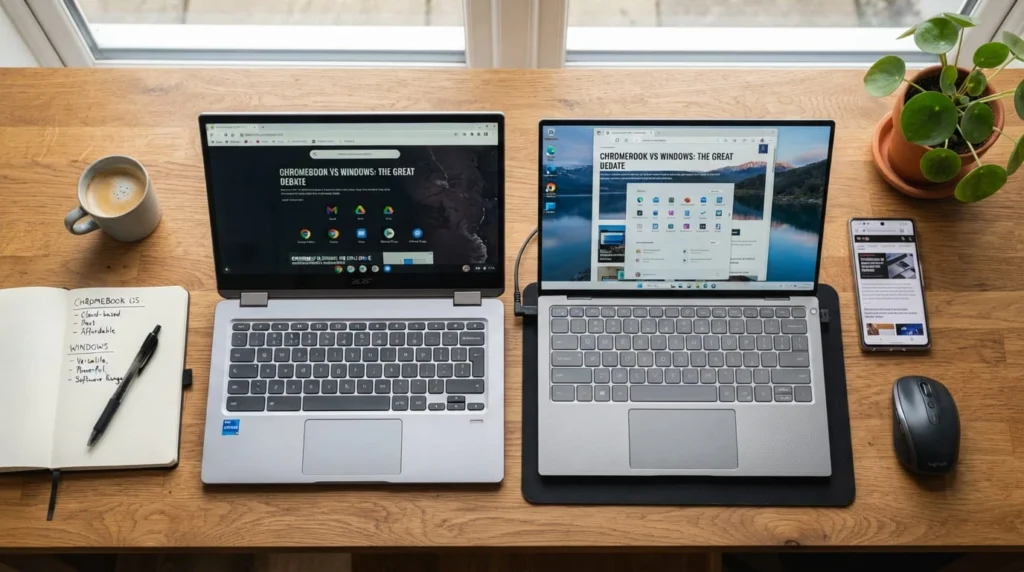
A chromebook and a laptop can look nearly identical from the outside, but the operating system underneath changes what each one can do, how much it costs, and how long the battery lasts. Match the device to how you actually work, not just the price tag, and the choice gets a lot easier.
FAQ’S
1:Is a Chromebook the Same Thing as a Laptop?
A chromebook is a type of laptop. The hardware looks the same, but it runs Chrome OS instead of Windows or macOS, which changes the software you can install and how the device handles storage and updates.
2:Can a Chromebook Replace a Windows Laptop?
For browser based work, streaming, and basic productivity, yes. For desktop software like AutoCAD, the full Adobe suite, or PC gaming, a chromebook cannot fully replace a Windows or macOS laptop.
3:Do Chromebooks Work Without Internet?
Yes, to a point. Many Google apps, including Docs, Sheets, and Gmail, offer offline modes, and downloaded media and some Android apps also work offline. Full functionality still depends on a connection
4:Which Is Better for Students, a Chromebook or a Laptop?
Most students do well with a chromebook for note taking, research, and online classes, especially given the lower price and long battery life. Students in fields like engineering, design, or video production usually need a full laptop instead.
5:Are Chromebooks Good for Gaming?
Chromebooks handle Android games from the Play Store and cloud gaming services reasonably well with a strong internet connection, but they cannot run native PC games or compete with a laptop that has a dedicated graphics card.