
Tech Guides & How-To
-

How to Turn Off Find My iPhone (3 Easy Ways)
To turn off Find My iPhone, open Settings, tap your name, tap Find My, tap Find My iPhone, switch it…
Read More » -

How to Use Magnet Links: A Simple Step-by-Step Guide
To use magnet links, install a BitTorrent client such as qBittorrent, click the link or paste it into the client’s…
Read More » -

How to Factory Reset PS5: Every Method Explained
How to factory reset PS5 in one line: open Settings, select System, choose System Software, go to Reset Options, and…
Read More » -

How to Reset Apple Watch: 3 Easy Methods
To reset Apple Watch, open Settings on the watch, tap General, tap Reset, and choose Erase All Content and Settings.…
Read More » -

How to Delete All Mails in Gmail at Once
Knowing how to delete all mails in Gmail can save you hours of clicking. A packed mailbox slows down search…
Read More » -

How to Use Siri Shortcuts to Automate Your iPhone
To use Siri Shortcuts, open the Shortcuts app on your iPhone, tap the plus button, add a few actions, and…
Read More » -

Computer Won’t Turn On? Try These Fixes First
A computer that won’t turn on is usually a power problem, not a dead machine. Before you assume the worst,…
Read More » -
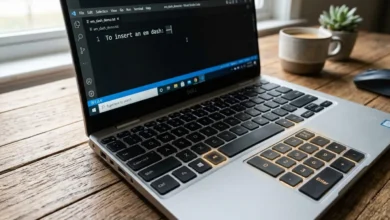
How to Type an Em Dash on Windows: Every Method That Works
If you have ever tried to type an em dash on Windows and ended up with a plain hyphen instead,…
Read More » -
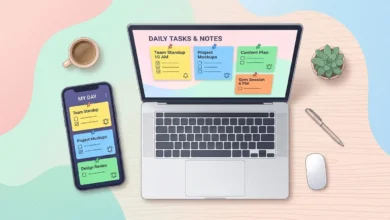
How to Use Google Keep: A Complete Beginner’s Guide
Google Keep strips note-taking down to the basics. There are no folders to build, no formatting menus to learn, and…
Read More » -

How to Improve Wifi Signal at Home (2026 Guide)
Weak wifi usually comes down to one of three problems: your router is in the wrong spot, something is interfering…
Read More »