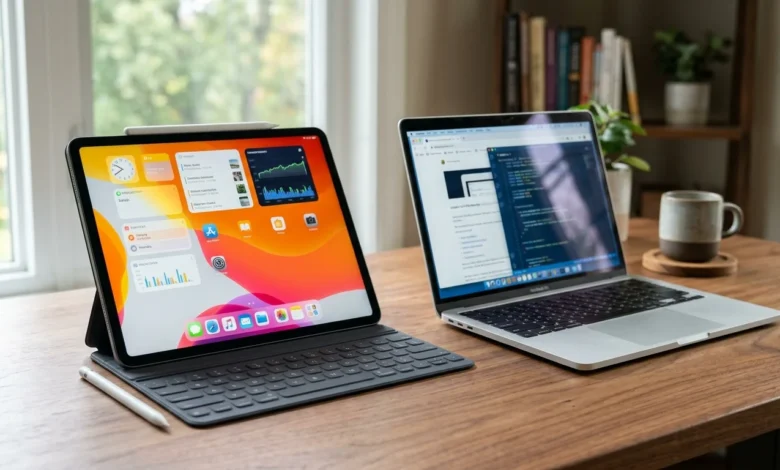
Choosing between an iPad and a laptop depends on what you plan to do with your device. An iPad is better for handwritten notes, reading, drawing, entertainment, and portable everyday tasks, while a laptop is generally the better choice for long typing sessions, professional software, programming, and complex multitasking.
Both devices can handle everyday activities such as browsing the internet, watching videos, checking email, and creating documents. However, their operating systems, accessories, software compatibility, and working experiences are quite different.
If you are planning to buy one device for college, business, remote work, or personal use, understanding these differences can help you avoid spending money on something that does not meet your needs.
iPad vs Laptop: Quick Comparison
An iPad focuses on touchscreen interaction, portability, and mobile applications. A laptop offers a traditional computer experience with a built-in keyboard, trackpad, and desktop operating system.
Here is a quick comparison of the two devices.
| Feature | iPad | Laptop |
| Portability | Excellent | Good |
| Touchscreen | Standard | Depends on model |
| Keyboard | Usually separate | Built-in |
| Handwritten notes | Excellent | Limited |
| Long typing sessions | Good with keyboard | Excellent |
| Multitasking | Improved, app-dependent | Generally better |
| Programming | Limited for many workflows | Excellent |
| Gaming | Mobile games | Better PC gaming support |
| File management | More restricted | More flexible |
| Drawing | Excellent with Pencil | Depends on hardware |
| Software | iPadOS apps | Windows/macOS apps |
| Best use | Reading, notes, media | Work, study, productivity |
The biggest difference is flexibility. A laptop can handle a wider range of traditional computer tasks, while an iPad offers a more convenient experience for touch-based activities.
What Is the Difference Between an iPad and a Laptop?
The main difference is how each device is designed to work.
An iPad is a touchscreen tablet that runs Apple’s iPadOS. You interact with applications through touch, gestures, and an optional keyboard or Apple Pencil.
A laptop is a portable computer that usually runs Windows, macOS, or another desktop operating system. It is designed around a physical keyboard, trackpad, and traditional desktop applications.
For example, you can comfortably read an eBook, highlight a PDF, and write handwritten notes on an iPad. On a laptop, the same activities are possible, but they may require a mouse, keyboard, or additional software.

A laptop is generally more convenient when you need to work with multiple documents, manage large files, or use specialized desktop applications.
iPad vs Laptop: Detailed Comparison
1. Performance and Processing Power
Modern iPads have powerful processors that can handle demanding applications, video editing, photo editing, and multitasking.
Apple’s iPad lineup includes models with A-series and M-series chips. For example, the current iPad Air uses an M4 chip, while the standard iPad uses an A16 chip.
Apple
However, processor performance is only one part of the experience.
A laptop may provide more flexibility for professional applications, sustained workloads, desktop software, and connecting additional hardware.
For everyday activities, including browsing, document editing, and video calls, both devices can provide a responsive experience.
Winner: Laptop for demanding professional workloads. iPad for everyday mobile tasks.
2. Battery Life
Battery life depends on the model, screen brightness, applications, and usage habits.
An iPad is convenient for people who spend long periods reading, browsing, or attending online classes without wanting to carry a large charger.
Laptops can also offer excellent battery life. For example, Apple’s MacBook Air technical specifications list up to 18 hours of video streaming and up to 15 hours of wireless web use. Actual results vary with usage.
Apple
Before buying either device, check the manufacturer’s battery estimates and independent battery tests for the exact model.
Winner: Depends on the models being compared.
3. Portability and Design
An iPad is usually easier to carry because it has a slim touchscreen design and can be used without a keyboard.
You can hold it while reading, take it to a lecture, or use it while traveling. Adding a keyboard makes it suitable for occasional typing without turning it into a traditional laptop.
Laptops are generally larger and heavier, although lightweight models are easy to carry in a backpack.
If you travel frequently, attend classes in different locations, or work away from a desk, an iPad may feel more convenient.
Winner: iPad.
4. Keyboard and Typing Experience
Laptops have an advantage when it comes to typing because their keyboards and trackpads are built into the device.
This makes them convenient for writing long assignments, preparing reports, replying to emails, and working with spreadsheets.
An iPad can also provide a good typing experience with a compatible external keyboard. Apple’s Magic Keyboard adds a keyboard and trackpad to supported iPad models.
However, you need to purchase compatible accessories separately, and the complete setup can become more expensive.
Winner: Laptop for people who type regularly.
5. Multitasking and Productivity
Multitasking is one area where laptops remain particularly useful.
A Windows laptop or MacBook allows users to manage multiple applications, switch between windows, work with spreadsheets, and organize documents using desktop workflows.
The iPad has also improved its multitasking capabilities. With iPadOS 26, supported iPads can use resizable app windows, move windows around, and work with multiple applications on the screen.
Apple Support (IN)+1
This makes the iPad more useful for productivity than older versions of its operating system.
However, some professional workflows still feel more natural on a laptop, particularly when they involve several documents, browser tabs, and specialized applications.
Winner: Laptop for intensive multitasking.
6. Storage and File Management
Laptops generally provide more flexible file management.
You can organize folders, download files, connect external storage, and move documents between applications using familiar desktop tools.
iPads also support file management through Apple’s Files app, cloud storage, and compatible external drives.
However, certain desktop workflows involving file conversion, advanced folder management, and specialized software can be less convenient on iPadOS.
If your daily work involves handling hundreds of files, managing large projects, or transferring data between devices, a laptop is usually easier to work with.
Winner: Laptop.
7. Software and App Compatibility
Software compatibility can make a major difference when deciding between these devices.
An iPad runs iPadOS applications. Popular options include Safari, Microsoft Word, Excel, Google Docs, Procreate, and various note-taking applications.
Laptops running Windows or macOS support broader desktop software libraries. This matters for professional editing tools, development environments, specialized business applications, and certain academic programs.
For example, a student who primarily uses Google Classroom, digital textbooks, and note-taking applications may be comfortable with an iPad.
However, someone studying computer science or using specialist engineering software should check whether their required applications have full iPad versions before buying.
Winner: Laptop for software compatibility.
8. Price and Overall Value
The initial price of an iPad can be attractive, especially if you choose a standard model.
However, you should compare the complete setup instead of looking at the tablet price alone.
For example, an iPad buyer may need:
- An iPad.
- A compatible keyboard.
- An Apple Pencil for handwriting or drawing.
- A protective case.
- Additional storage or cloud services.
A laptop generally includes its keyboard and trackpad, so you can start working without purchasing those accessories separately.
Apple’s current US store listings show the standard iPad starting at $449 and the iPad Air starting at $749. Accessory prices vary by model and configuration.
Apple+1
A budget laptop may offer better value if you need a complete computer for school or work.
Winner: Depends on your budget and required accessories.
Is an iPad Better Than a Laptop for Students?
An iPad is a great option for students who prefer handwritten notes, reading digital textbooks, watching lectures, and annotating PDF documents.
It is especially useful for subjects where students regularly work with diagrams, equations, charts, and handwritten explanations.
However, a laptop is usually a safer choice for students who need to prepare lengthy assignments, use advanced spreadsheets, conduct research, or work with specialist applications.
Online Classes and Presentations
Both devices work well for online classes.
An iPad is convenient for joining video calls, watching recorded lectures, and reading class materials. A laptop is useful when students need to keep a video meeting open while editing documents, creating presentations, or researching information.
Student recommendation: Choose an iPad for handwritten notes and reading-heavy courses. Choose a laptop if you need one primary device for assignments, research, and different academic applications.
iPad vs Laptop for Work and Business
A laptop is generally the better choice for full-time office work, business management, and professional productivity.
It provides a traditional desktop environment for handling emails, creating spreadsheets, managing files, attending meetings, and working with multiple applications.
An iPad is still useful for certain professional activities, especially when portability matters.
For example, a salesperson can use an iPad to present products, collect digital signatures, take meeting notes, and access customer information.
A freelancer who mainly writes articles, responds to emails, and manages simple documents may also find an iPad suitable.
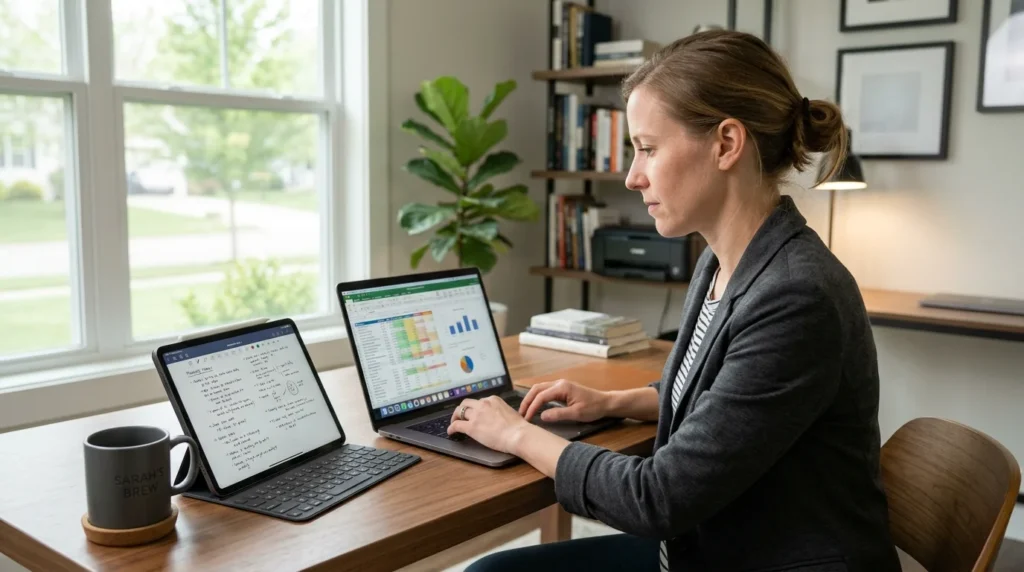
However, developers, accountants, researchers, and professionals who rely on specialist desktop software should consider a laptop first.
Can an iPad Replace a Laptop?
Yes, an iPad can replace a laptop for some people, but it is not the right replacement for everyone.
The answer depends on the applications you use and how much work you need to complete.
With a compatible keyboard and trackpad, an iPad can handle many everyday computer activities.
The Hidden Cost of Turning an iPad Into a Laptop
One mistake buyers make is comparing an iPad’s starting price with the price of a complete laptop.
An iPad may look cheaper initially, but the cost changes when you add accessories.
For example, imagine a student who wants to use an iPad for writing assignments, taking notes, and attending online classes.
That student may need a keyboard for typing and an Apple Pencil for handwritten notes. A protective case may also be necessary.
These additional purchases increase the total cost.
A laptop already includes the keyboard and trackpad, making it ready for traditional productivity tasks.
Before purchasing an iPad as your main computer, calculate the cost of the tablet, accessories, storage, and any required applications.
iPad vs Laptop: Which One Should You Buy?
If you want one device for college, professional work, programming, business management, or long writing sessions, a laptop is generally the safer purchase.
However, if your priorities are portability, handwritten notes, reading, drawing, entertainment, and everyday browsing, an iPad may be the better fit.
Before making a final decision, consider the applications you use every day, your budget, and whether you need a keyboard or stylus.
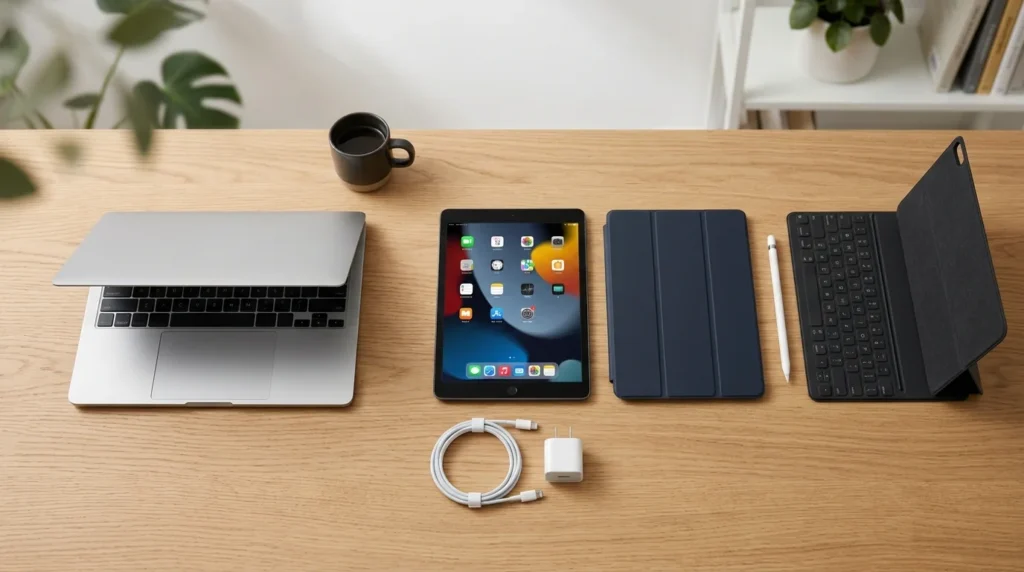
The best choice in the iPad vs. laptop comparison is the device that handles your regular tasks without forcing you to spend extra money on accessories or software you do not need.