

Your internet is usually slow because of one of five things: weak Wi-Fi, an overloaded or outdated router, too many devices pulling data at once, a plan too small for your household, or a problem on your provider’s side. If you keep asking Why is my internet so slow, the fastest way to find the cause is to test a wired connection first and then work outward. That single test tells you whether the problem lives in your home or outside it.
This guide covers each cause in the order you should check it, with fixes you can try tonight and no special equipment.
The Most Common Reasons for Slow Internet
Most slowdowns trace back to a short list of causes. Knowing them upfront makes the rest of the troubleshooting faster.
- Wi-Fi signal is weak, blocked, or crowded by neighbors
- The router or modem is old or needs a restart
- Too many devices or one heavy download is using the bandwidth
- Your plan is too slow for the number of people using it
- Evening congestion in your neighborhood
- A provider data cap or throttling after heavy use
- A bad cable, a failing device, or malware
You rarely have just one cause. A router that is five years old and sits in a basement closet can fail on two counts at once.
Start With a Proper Speed Test
Before changing anything, measure what you actually get. Open Speedtest by Ookla or Fast.com (run by Netflix) and run a test. Then run it again with a laptop plugged directly into the router with an Ethernet cable.
Write down three numbers from each test: download speed, upload speed, and ping (latency). Test again at a different time of day, since a connection that looks fine at 10 a.m. can crawl at 8 p.m.
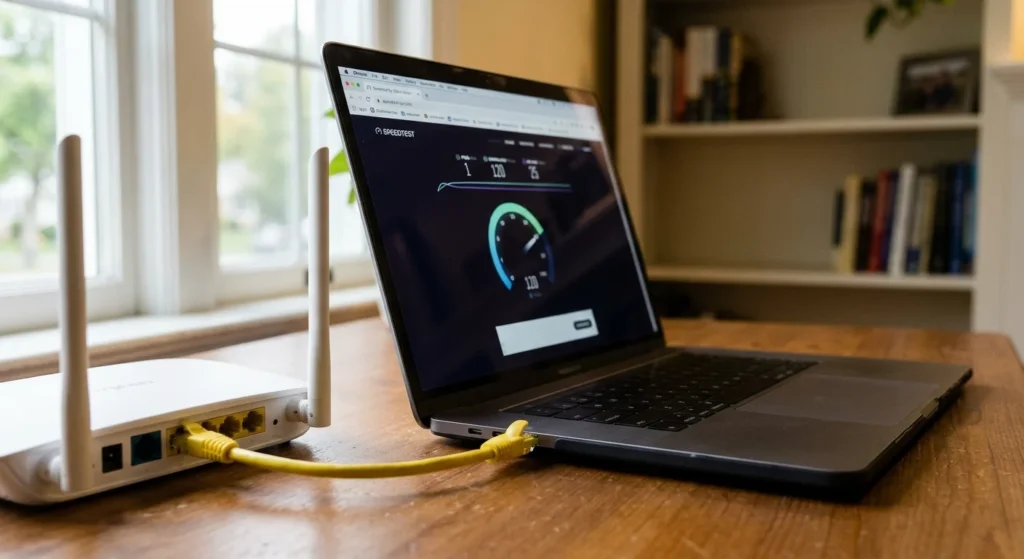
For a reference point, the FCC’s fixed broadband benchmark is 100 Mbps download and 20 Mbps upload. If you pay for a plan in that range or higher and see far less on a wired test, something is wrong.
How to Read Your Results
If the wired test matches your plan but Wi-Fi is much slower, the problem is your wireless network. If both are slow, the cause is the router, modem, plan, or provider.
Ping matters for video calls and gaming. Under 50 ms feels smooth, while anything over 100 ms causes lag and frozen faces on calls. Low upload speed is the usual reason video calls look bad even when downloads seem fine.
Wi-Fi Problems That Slow Everything Down
Wi-Fi is the most common culprit in US homes, and it is also the easiest to fix. Your plan can be fast and still feel terrible if the signal never reaches the room you are in.
1. Distance and Walls
Wi-Fi weakens with every wall, floor, and large appliance between you and the router. Brick, concrete, and plaster with metal mesh block signal the worst. A router in a basement corner or inside a media cabinet will struggle to cover a two-story house.
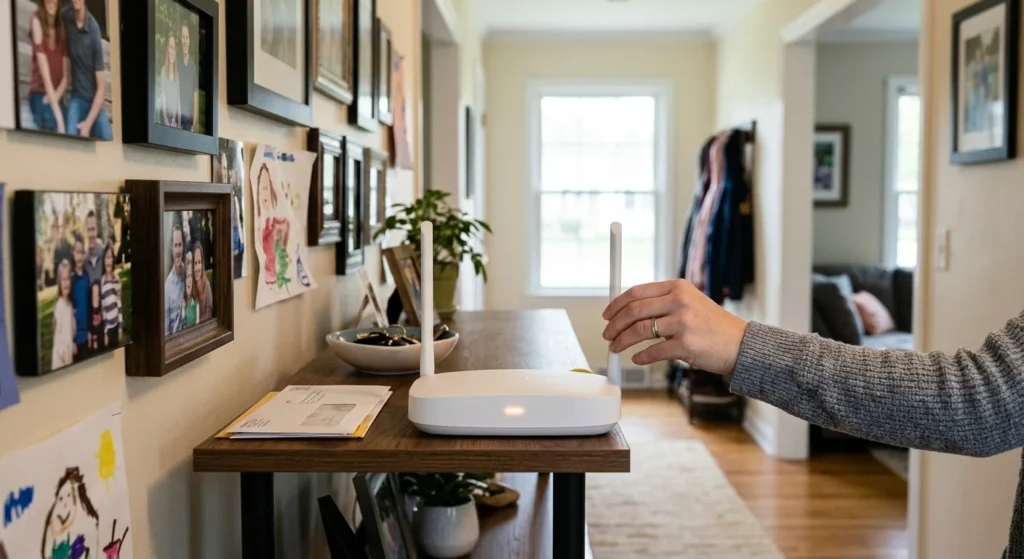
Move the router to a central, elevated, open spot. Even a shift of ten feet can change the speed in the farthest bedroom.
2. Wrong Band or Crowded Channels
Modern routers broadcast on the 2.4 GHz and 5 GHz bands, and newer Wi-Fi 6E and Wi-Fi 7 models add 6 GHz. The 2.4 GHz band travels farther but is slower and more crowded. The 5 GHz and 6 GHz bands are faster over short distances.
If your phone or laptop is stuck on 2.4 GHz near the router, connect to the 5 GHz network instead. In apartment buildings, dozens of nearby networks can overlap on the same channel, so switching channels in the router settings often helps.
3. Household Interference
Microwave ovens, cordless phones, and baby monitors can interfere with the 2.4 GHz band. If your Wi-Fi drops every time someone heats lunch, that is the reason.
Router and Modem Issues
Your router and modem run around the clock, and they wear out. Slowdowns that come and go often point here.
Restart the Right Way
Unplug both the modem and the router, wait 30 seconds, plug in the modem first, wait until its lights settle, then plug in the router. This clears memory issues and forces a fresh connection to your provider. If a restart fixes the speed for a few days and then it returns, the hardware may be failing.
Old Hardware and Firmware
Routers older than about five years often lack current Wi-Fi standards and cannot handle many devices at once. If you rent a modem and router combo from Xfinity, Spectrum, or another provider, ask whether a newer model is available. Buying your own compatible equipment can also cut the monthly rental fee.
Check the router’s admin page or app for firmware updates. Updates fix bugs and security holes, and some improve performance.
Too Many Devices and Background Traffic
A typical US household now runs phones, TVs, laptops, game consoles, smart speakers, cameras, and thermostats on the same connection. Each one uses some bandwidth, even when idle.
The bigger drain is usually one active task. A console downloading a 100 GB game update, a cloud backup running on a laptop, or someone streaming 4K video can eat most of a modest plan.
Check your router app for a list of connected devices and see which one is moving the most data. Pause the heavy task and run your speed test again. If speeds jump, you have found the cause.
Your Plan May Be Too Small
Sometimes nothing is broken. The plan just does not match how many people use it.
Netflix recommends about 5 Mbps for HD streaming and 15 Mbps for 4K on one screen. Multiply that across several TVs, add video calls and a few phones, and a 50 Mbps plan fills up quickly. Remote work, cloud backups, and online gaming add more load, especially on the upload side.
Log into your provider account and confirm the speed tier you pay for. Older customers are often on plans from years ago and have never been moved up, even though faster tiers cost the same or less.
Provider Congestion, Throttling, and Data Caps
If your wired speed is far below your plan at certain hours, congestion is a likely cause. Cable internet shares bandwidth among neighbors, so evenings from roughly 7 to 11 p.m. tend to be the slowest.
Some providers also enforce data caps. Xfinity, for example, applies a 1.2 TB monthly cap in many markets, and customers who go over may pay extra or lose speed depending on their plan. Check your provider’s usage page, and note that these policies change.
Throttling is harder to prove. If Fast.com shows much lower speeds than Speedtest, your provider may be treating video traffic differently, though server issues can cause the same gap. Running several tests on different days gives you a clearer pattern.
Device, Browser, and Security Problems
If only one device is slow, the network is probably fine. Old phones and laptops with full storage, outdated software, or a worn Wi-Fi chip often lag behind newer ones on the same connection.
Browser extensions can also slow pages. Open a private window with extensions off and test a site again. Malware and adware can use your bandwidth in the background, so run a scan with Microsoft Defender, Malwarebytes, or another trusted tool.
Bad cables matter too. A frayed coax line or a cheap, old Ethernet cable can cut speeds sharply. Replace any cable with visible damage, and make sure coax connectors are tight.
Try a Different DNS Server
DNS translates website names into addresses. If pages hang before loading but downloads run fine, switching to Google Public DNS (8.8.8.8) or Cloudflare (1.1.1.1) in your router settings can speed up how fast pages start loading.
A Step-by-Step Order to Fix Slow Internet
Follow this order so you do not waste time on the wrong fix.
- Run a wired speed test and compare it to your plan.
- Restart the modem and router in the correct order.
- Test Wi-Fi in the room where it feels slow, and move closer to the router.
- Switch to the 5 GHz network or change the Wi-Fi channel.
- Pause heavy downloads, backups, and streams, then retest.
- Check the connected devices list for anything unfamiliar.
- Update router firmware and replace worn cables.
- Review your plan speed and data usage in your provider account.
If speeds are still poor after step eight, the problem is almost certainly outside your walls.

When to Call Your Provider or Switch
Call your provider if wired speeds are well below your plan on several tests across different days. Share your test results with times and dates, and ask them to check the line signal, send a technician, or replace the modem. Having numbers on hand makes the call shorter.
If the provider cannot fix it, you can file a complaint with the FCC at fcc.gov, which forwards it to the company for a response. You can also check the FCC National Broadband Map to see which providers serve your exact address.
Many US households now have options beyond cable. Fiber from providers such as AT&T Fiber, Verizon Fios, or Google Fiber offers more consistent speeds and strong upload. 5G home internet from T-Mobile or Verizon and satellite service from Starlink can work in areas where wired choices are limited.
Prices, plan speeds, and data cap rules change often, so verify current details with the provider before you switch. Once you know whether the slowdown starts in your home or outside it, you can stop guessing about why your internet is so slow and fix the right thing.