The fastest way to get water out of a phone is to power it off, wipe it down, and let it air-dry in a cool, ventilated spot for at least 24 hours. That sequence covers how to get water out of phone ports, speakers, and seams without frying the board. A few popular home fixes do more harm than good, so the order and the restraint matter. Below is what to do in the first minute, what to skip, and when a repair shop is the better call.
What to Do in the First Minute
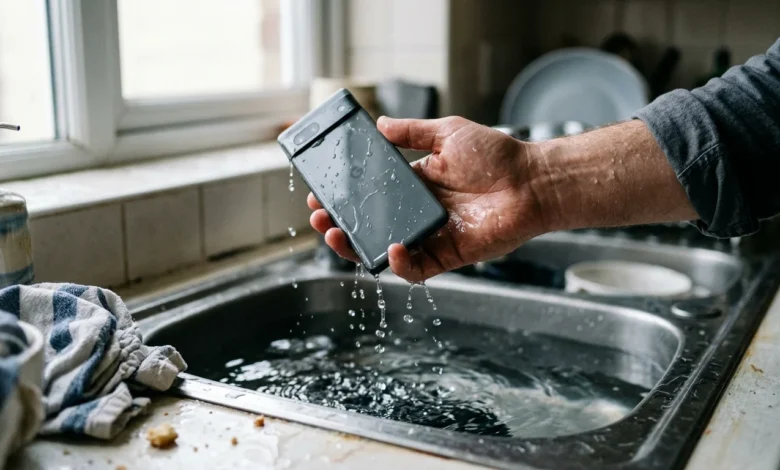
Pull the phone out and turn it off right away. Power running through a wet board causes most permanent damage, so shutting down comes before everything else. If it is plugged in, unplug the cable first.
Remove the case, any wallet attachment, and the SIM tray if your phone has one. Water hides under cases and in the tray slot, and it keeps moisture against the phone long after the screen looks dry. Set the tray aside to dry separately.
Wipe the outside with a soft, lint-free cloth. Microfiber works best, and a clean cotton T-shirt is fine in a pinch. Pat the screen, frame, back, and camera bump instead of rubbing, since rubbing can push droplets into gaps.
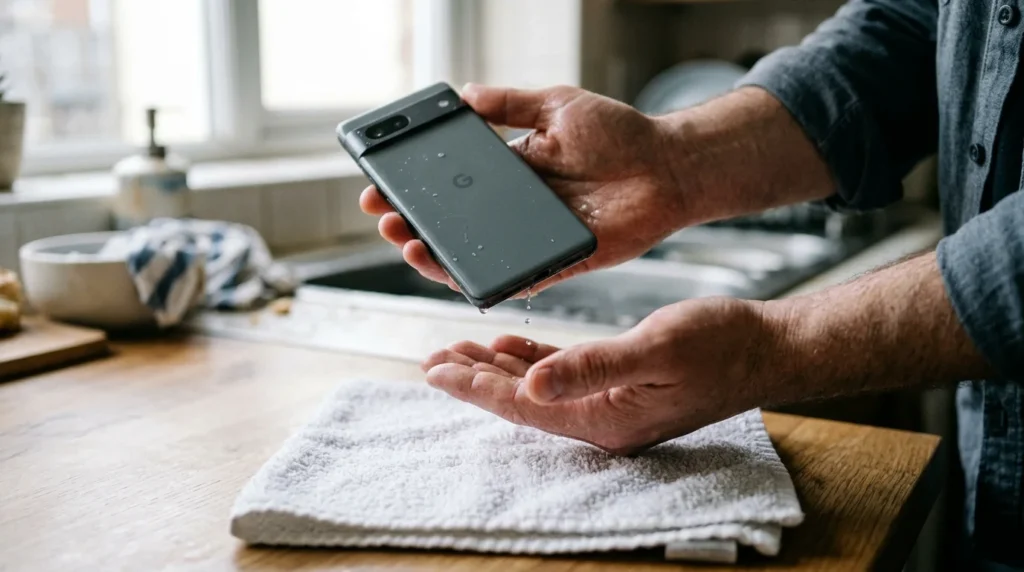
Next, hold the phone with the charging port facing down and tap it gently against your palm a few times. Apple’s iPhone support guidance recommends this move to let liquid drain from the connector. Do not shake the phone hard or swing it around.
What Not to Do With a Wet Phone
Most bad outcomes come from a well-meant fix, not from the water itself. These three habits are the usual culprits.
1. Skip the Bag of Rice
Apple tells iPhone owners not to put a wet phone in a bag of rice, because small grains can get inside the device and cause more damage. Rice also pulls moisture from the air slowly and does little for water trapped behind seals. An open shelf with airflow does the same job without the grain debris.
2. Skip Heat and Compressed Air
Apple also advises against drying an iPhone with an external heat source or compressed air. Heat can warp adhesive seals and stress the battery, and compressed air can push water deeper instead of out. That rules out hair dryers, ovens, microwaves, and a hot car dashboard.
3. Skip Cotton Swabs and Paper Towels in the Port
Apple warns against inserting cotton swabs, paper towels, or any foreign object into the connector. Fibers break off, stay behind, and hold moisture against the pins. Plugging the phone in to “see if it still works” is just as risky.
Clearing the Charging Port, Speakers, and Microphone
Once the outside is dry, the work shifts to the openings a cloth cannot reach. This is the slow part, and patience does most of it.
Charging Port
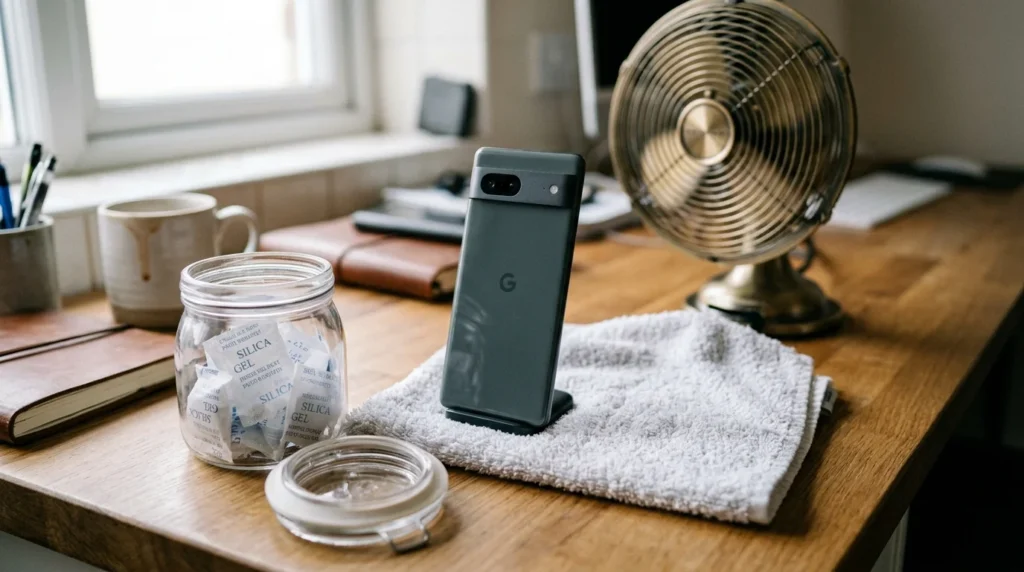
After the first drain, leave the phone upright with the port facing down on a dry towel, in a room with moving air. A small fan on a low, cool setting a few feet away speeds evaporation without heating the phone. Check back after an hour and tap it against your palm again.
If you want extra drying power, seal the phone in an airtight container with fresh silica gel packets. Silica gel is made to absorb moisture and does that job far better than rice. Packs from a hardware or craft store are fresher than the ones salvaged from old shoe boxes.
Speakers and Microphones
Water in the speaker grille shows up as muffled calls, crackly audio, or a quiet ringtone. Point the speaker downward, tap gently, and give it a few hours of airflow. Learning how to get water out of phone speakers mostly comes down to patience, because the sound usually clears on its own once the droplets evaporate.
Never poke the grille with a pin or toothpick. Those meshes are thin, and a puncture lets dust and water into the speaker for good.
Do Water Eject Sounds and Shortcuts Work
Apple Watch has a documented Water Lock feature that plays a tone to push water out of its speaker. iPhone has no official equivalent, but free Shortcuts and websites play a similar low-frequency tone. They can shake loose water sitting in the speaker mesh, so they are worth a try for muffled audio.
They cannot reach water that has already gotten past the seals. Treat them as an optional extra, not a replacement for drying time.
How Long to Wait Before Charging or Powering
Plan on a full 24 hours for a phone that took a real dunking. When an iPhone shows the liquid detected alert in its charging port, Apple says to unplug the cable and leave the phone in a dry area with airflow, and the alert can take up to a day to clear. Samsung Galaxy phones show a similar moisture warning and block charging until the sensor reads dry.
Apple lets you override its alert in an emergency, but charging through a wet port invites corrosion on the pins. If you can borrow another phone for a day, do that instead.
When you do power it on, test the speaker, microphone, both cameras, touch response, fingerprint or face unlock, and charging. If anything fails, stop using it and get it checked
A Realistic Drying Timeline
Here is the order that works for most phones, counted from the moment of the drop.
- First 5 minutes: power off, unplug, remove the case and SIM tray, wipe the outside, and tap the port downward.
- First hour: set the phone upright with the port down in moving air, and tap it again once.
- Hours 2 to 12: leave it alone, and resist the urge to check whether it turns on.
- Hour 24: power on and run through the test list above.
- Days 2 to 14: watch for battery, screen, and audio problems.
If you used silica gel, swap in fresh packs halfway through, since saturated packs stop absorbing.
Splash, Quick Dunk, or Long Soak
A splash on the screen needs a wipe, and nothing else, and a rated phone usually shrugs it off. A quick dunk of a few seconds calls for the full routine above plus the 24-hour wait. A long soak, such as a phone left in a lake, a washing machine, or a toilet for minutes, is a repair shop situation even if it turns on afterward.
Washing machines and toilets add detergent and bacteria. Apple says you can wipe the outside of an iPhone with a 70 percent isopropyl alcohol wipe, as long as you keep liquid out of the openings.
Saltwater, Pool Water, and Other Liquids
Fresh water evaporates and leaves little behind. Saltwater, chlorinated pool water, soda, coffee, and juice leave residue that corrodes contacts and can conduct electricity after drying.
For anything other than fresh water, Apple says to rinse the exposed area with fresh water and dry it with a soft, lint-free cloth. Do that quickly, because sugar and salt do their damage while sitting on the metal. Even after a good rinse, a phone that spent time in the ocean or a hot tub deserves a technician’s look sooner rather than later.
What Water Resistance Ratings Really Cover
IP ratings come from the IEC 60529 standard, and an IP68 rating means dust-tight and tested for continuous immersion in water. Apple rates the iPhone 15 and iPhone 16 lineups IP68 for up to 6 meters for up to 30 minutes, and Samsung rates the Galaxy S24 at IP68 for 1.5 meters for 30 minutes.
Those tests use still, fresh water in a lab. Apple notes that water resistance is not permanent and can decrease with wear, and its standard warranty does not cover liquid damage. A phone that survived a dunk last year may leak this year.
Signs of Water Damage to Watch
Some damage shows up hours or weeks later. Watch for these:
- Fog, spots, or flickering lines under the screen glass
- Speaker crackle or a microphone that cuts out during calls
- Battery draining much faster than before, or the phone running warm
- Charging that stops and starts, or charging pins that look green or white
- Camera lenses with fog that does not clear
Corrosion can keep spreading inside even when the phone seems fine on day one, so keep testing for the first couple of weeks.
When to Take It to a Repair Shop
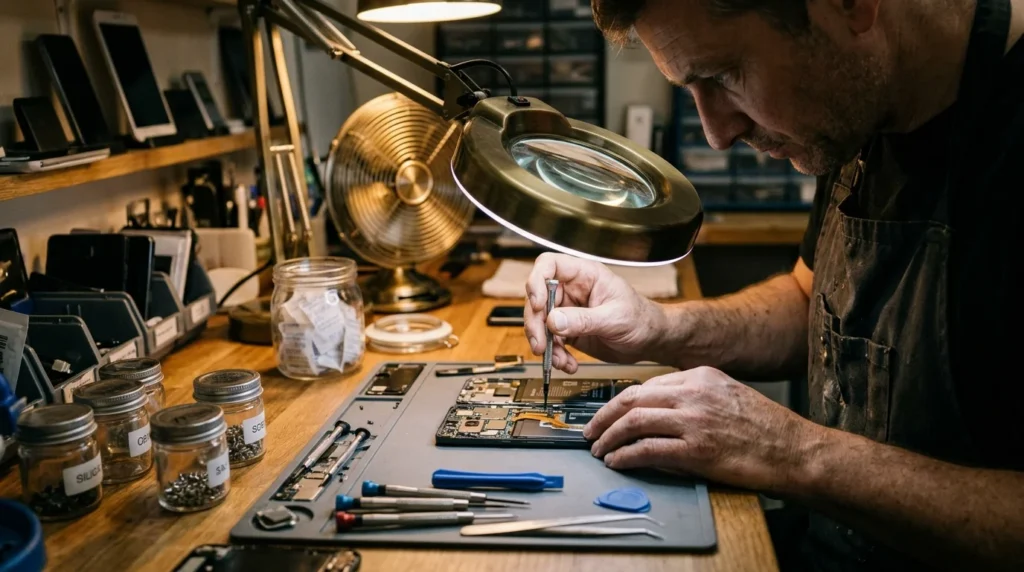
Go to a repair shop or the manufacturer if the phone will not turn on after 24 hours, if the screen shows fog or lines, or if it went through saltwater or anything sugary. A technician can open the phone, clean the board with isopropyl alcohol, and replace damaged parts. Apple, Samsung, and independent shops all handle this, and the sooner a board is cleaned, the better its odds.
Back up your data first if the phone still runs, since a phone that works today can fail tomorrow. If it will not start, ask the shop about data recovery before authorizing a repair.
Knowing how to get water out of phone openings without panic is mostly about restraint, so resist the urge to charge it early.