

Secure Boot is a UEFI firmware feature that checks the digital signature of startup software and blocks anything unsigned or altered before it runs. If you are wondering what is secure boot in practical terms, it is a gatekeeper between your PC’s hardware and your operating system. Its job is to keep malware out of the code that loads before Windows or Linux does.
Almost every Windows PC sold in the United States since Windows 8 ships with it, and Windows 11 expects a PC that supports it. Below you will see how it works, how to check its status, when turning it off makes sense, and what it cannot stop.
How Secure Boot Works Step by Step
When you press the power button, the UEFI firmware starts first, well before any operating system. With Secure Boot turned on, the firmware examines the bootloader, the small program that launches your OS, and checks its digital signature. If the signature matches a trusted entry stored in the firmware, the bootloader runs. If it does not, the PC refuses to boot from it.
The checking continues down the line. The bootloader verifies the operating system kernel, and the kernel verifies early drivers. Microsoft’s Windows security documentation describes this as a chain of trust, where each stage vouches for the next.
A signature is a cryptographic proof. The software maker signs a file with a private key, and the firmware checks it with the matching public key. Change a single byte in the file, and the check fails.
The Four Databases Behind the Checks
Your firmware stores four lists that drive every decision:
- Platform Key (PK): the root of trust, set by the PC or motherboard maker.
- Key Exchange Key (KEK): authorizes changes to the two lists below.
- Signature database (db): certificates and hashes of software allowed to run.
- Forbidden signature database (dbx): hashes and certificates of software that must never run, even if it was once trusted.
The dbx is the part most people overlook. When a signed bootloader turns out to be vulnerable, Microsoft and PC makers add its hash to the dbx through updates, which stops attackers from reusing it.
Why Secure Boot Exists: The Bootkit Problem
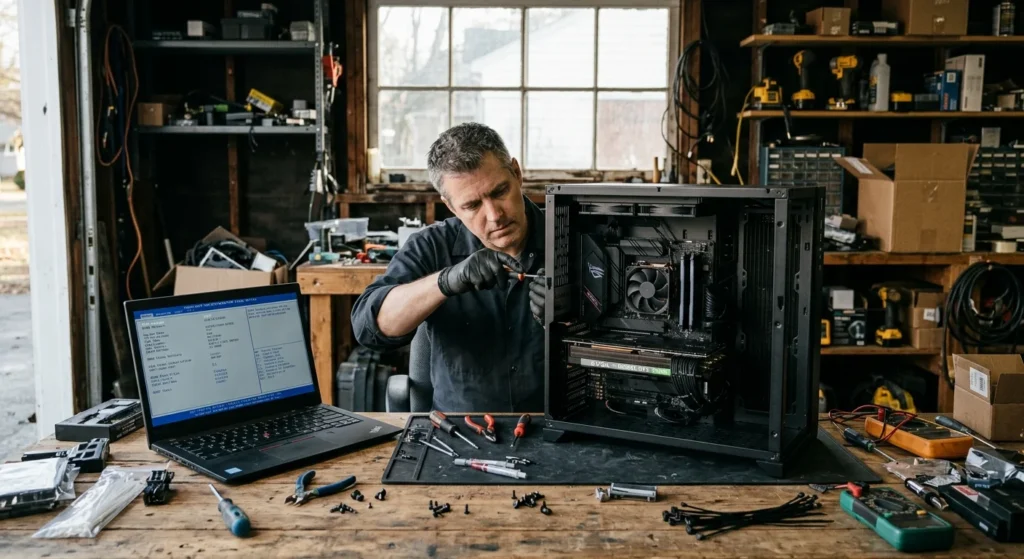
Before Secure Boot, attackers could plant bootkits in the master boot record or firmware. A bootkit loads before the operating system, so antivirus software that starts later cannot see it or remove it. That is the problem this feature was built to close, and the UEFI Forum publishes the specification behind it. NIST also covers firmware protection in Special Publication 800-147, its BIOS protection guidelines.
The feature is not bulletproof. In March 2023, ESET researchers reported BlackLotus, the first publicly known UEFI bootkit able to bypass Secure Boot on fully updated Windows 11 systems, using a flaw tracked as CVE-2022-21894. Microsoft responded with guidance in KB5025885 for revoking the vulnerable boot managers.
The lesson is simple. Secure Boot is only as strong as its revocation list, which is why firmware and Windows updates matter as much as the setting itself.
Is Secure Boot Required for Windows 11 and Games
Windows 11 lists a UEFI firmware that is Secure Boot-capable as a system requirement, along with TPM 2.0. Capable means the hardware supports the feature, and Microsoft’s PC Health Check app reports whether yours does. If your PC runs the older Legacy BIOS mode, it will usually fail that check until you convert the disk and switch to UEFI.
Gaming is the reason many people search for this now. Riot Games’ Vanguard anti-cheat asks for Secure Boot and TPM 2.0 on Windows 11 for Valorant, and EA’s Javelin anti-cheat in Battlefield 6 asks for Secure Boot as well. Anti-cheat rules change often, so check each game’s support page before you change settings.
The reasoning is practical. Cheat tools that run below the operating system are hard to detect, and Secure Boot makes it harder to load them.
How to Check Whether Secure Boot Is On
On Windows
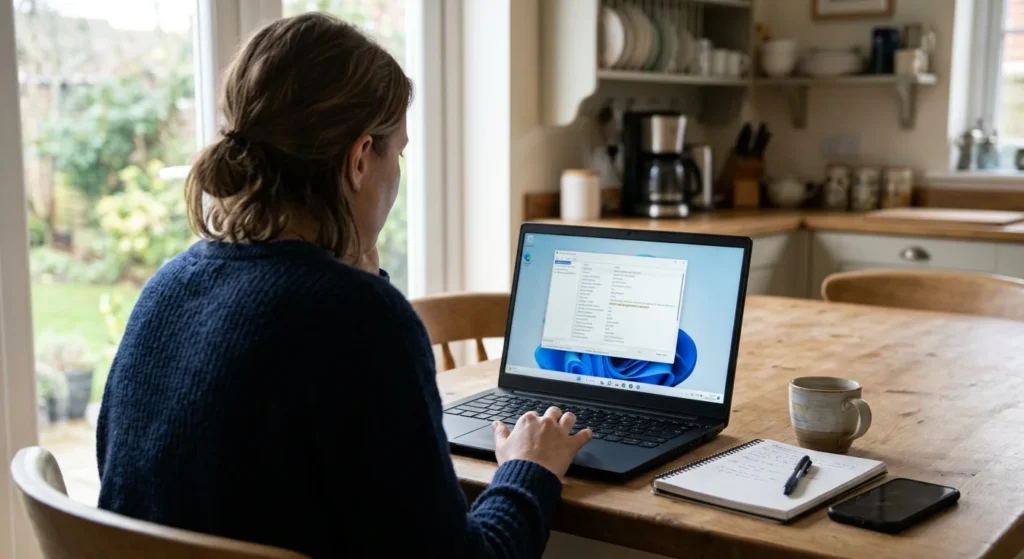
Press the Windows key, type msinfo32, and open System Information. Look for the Secure Boot State line. It reads On, Off, or Unsupported. Also check BIOS Mode, which should say UEFI.
For a second opinion, open PowerShell as administrator and run Confirm-SecureBootUEFI. It returns True when the feature is active and False when it is off. On a Legacy BIOS system, it returns an error saying the cmdlet is not supported.
On Linux
Open a terminal and run mokutil –sb-state. The output says either Secure Boot enabled or SecureBoot disabled.
How to Turn Secure Boot On
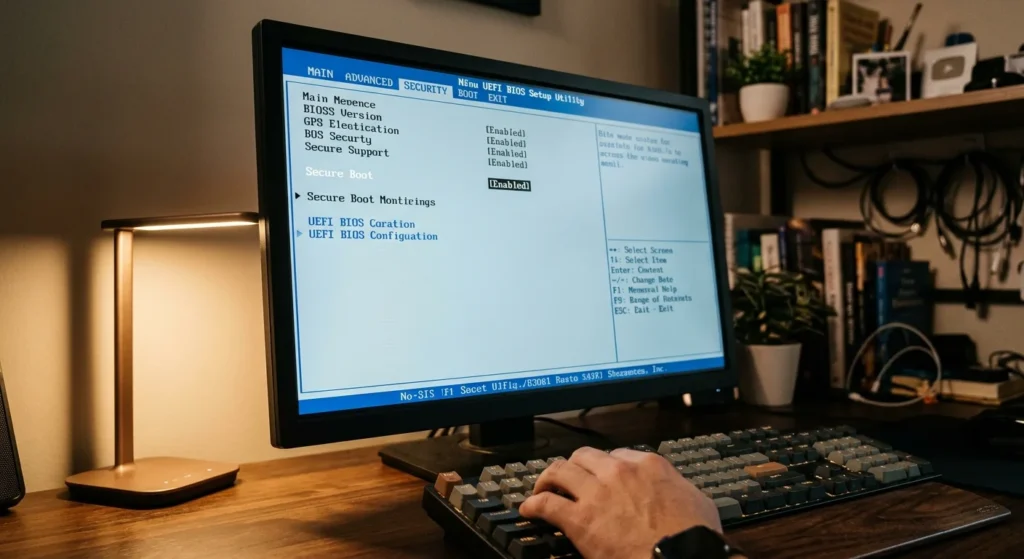
Restart the PC and open the firmware setup screen. The shortcut depends on the manufacturer, and F2, F10, Delete, and Esc are the most common. On Windows 11, you can also go to Settings, System, Recovery, then Advanced startup, and pick UEFI Firmware Settings.
Find the Boot or Security tab and set Secure Boot to Enabled. Some boards gray out the option until you set the boot mode to UEFI and turn off the Compatibility Support Module, usually labeled CSM. Others need you to pick an option such as Install Default Secure Boot Keys first.
Before you save, find your BitLocker recovery key if drive encryption is on. Changing firmware settings can make Windows ask for that key at the next startup. Your Microsoft account page lists it if you saved it there.
When It Makes Sense to Turn Secure Boot Off
Sometimes turning it off is reasonable. Older hardware with unsigned drivers, a custom-built kernel, or a niche operating system installer may refuse to load while Secure Boot is on. Some people also disable it briefly to boot a rescue USB drive that is not signed.
If you do this, treat it as temporary. With the feature off, the firmware runs any bootloader it finds, which is exactly the opening a bootkit needs. Turn it back on once the task is done.
Secure Boot and Linux Dual Boot
Most major distributions, including Ubuntu, Fedora, Debian, and openSUSE, boot with Secure Boot on. They use a small first-stage loader called shim, which is signed by Microsoft’s UEFI certificate authority so the firmware trusts it. Shim then verifies GRUB and the kernel against the distribution’s own key.
Trouble starts with third-party kernel modules such as proprietary graphics drivers or VirtualBox. Those modules must be signed too. The usual fix is to enroll a Machine Owner Key by running mokutil –import with your key file, rebooting, and approving it on the blue MOK management screen.
Dual-booting Windows and Linux works fine with the feature enabled, since both loaders are signed.
What Secure Boot Does Not Protect Against
Secure Boot checks code at startup and then steps aside. It does not scan files, block phishing, or stop malware you install after Windows is running. It also does not encrypt your drive, which is the job of BitLocker or a similar tool.
It can also be fooled by software that carries a valid signature. Attackers have abused legitimately signed but vulnerable drivers to get into the system, which is why the dbx keeps growing.
Here is the angle most explainers skip. Secure boot answers whether code is allowed to run, while the TPM’s measured boot records what code actually ran, so the two protect different things. Windows 11 pairs them with BitLocker, so a tampered startup chain also keeps your encryption key sealed.
The 2026 Certificate Update Explained
Most PCs trust a set of Microsoft certificates issued in 2011. Microsoft has said those certificates begin expiring in 2026, with the first expirations in June and another due in October. The company has been delivering replacement 2023 certificates through Windows updates and PC maker firmware updates.
PCs that miss the update keep booting normally, according to Microsoft, but they may not receive future boot-level security fixes. Install Windows updates, check your PC maker’s support page for a BIOS update, and read Microsoft’s current Secure Boot guidance for details on your model.
Should You Keep Secure Boot On?
For nearly everyone, yes. You will not notice the checks at startup, and the setting closes an attack route that antivirus cannot reach. The main exception is a specific piece of hardware or software that cannot work with it, and even then the better move is to find a signed driver or enroll your own key.
If you build or repair PCs, learn where your board stores its keys. A firmware reset can restore factory keys and remove ones you enrolled, which can cause boot errors until you add them back.