
Tech Guides & How-To
-
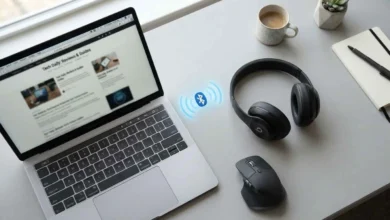
How To Connect Beats To Laptop
Turning on pairing mode on your Beats and selecting them from your laptop’s Bluetooth menu connects the two devices. The…
Read More » -
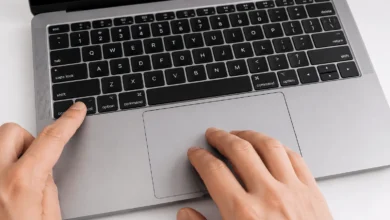
How to Right Click on a Laptop (Windows, Mac, Chromebook)
To right click on a laptop, tap the touchpad with two fingers at once, press the bottom-right corner of the…
Read More » -
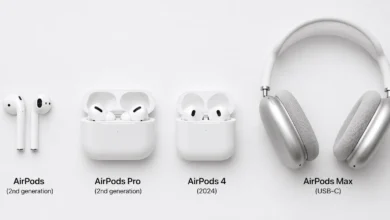
How to Connect AirPods to a Laptop (Windows and Mac)
To connect AirPods to a laptop, turn on Bluetooth in your laptop’s settings, open the AirPods case near the laptop,…
Read More » -
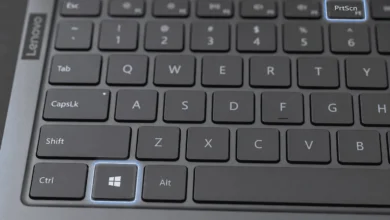
How To Screenshot On A Lenovo Laptop
The fastest way to screenshot on a Lenovo laptop is to press the Windows key and PrtScn together, which saves…
Read More » -
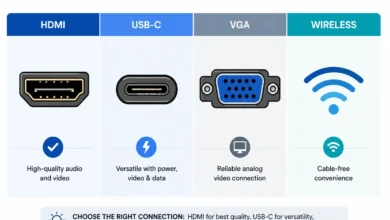
How to Connect Laptop to Projector: 6 Easy Ways
The fastest way to connect a laptop to a projector is an HDMI cable: plug one end into your laptop,…
Read More » -
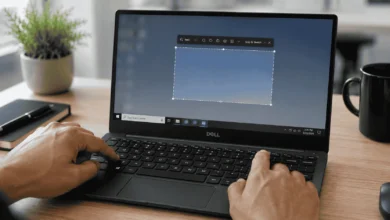
How To Screenshot On A Dell Laptop (Every Method Explained)
Press Windows key + Shift + S to open the snipping tool and capture any part of your screen, or…
Read More » -
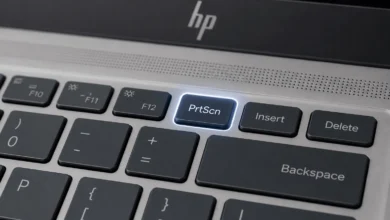
Screenshot on HP laptop: 6 easy methods for Windows
The fastest way to screenshot on an HP laptop is pressing Windows key + PrtScn, which saves a full-screen image…
Read More »